The Material Modifier
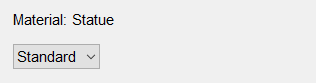

The material modifier


The material modifier lets you edit material properties. It has a combox box allowing
to choose between the following material types:
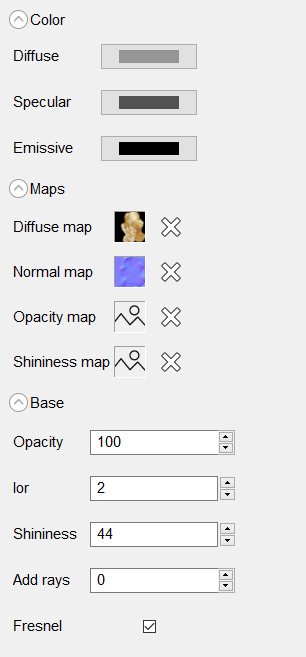
Standard

  • Base
    Choose the base color.
  • Specular
    Choose the specular color.
  • Emissive
    Choose the emissive color.
  • Base map
    Choose the base map.
  • Normal map
    Choose the normal map.
  • Opacity map
    Choose the opacity map.
  • Gloss map
    Choose the gloss map.
    Should be a grayscale image.
  • Opacity
    Edit the opacity.
  • Ior
    Edit the index of refraction.
  • Gloss
    Edit the gloss. The greater it is the less
    the material is rough.
  • Add rays
    Edit the number of additional refraction rays used
    during raytracing. Only useful for non opaque materials.
  • Fresnel
    Enable/Disable Fresnel reflection. When enabled
    the ior is used to determine the ratio of light that is
    reflected at the surface of the material.

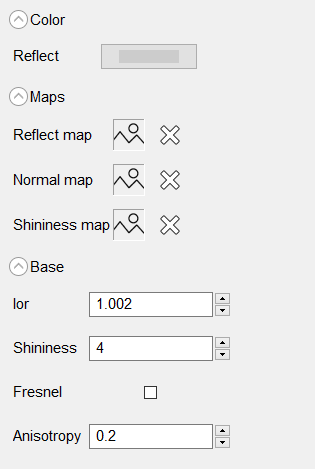
Simple Metal

This panel items are the same in the Standard material.

Brushed Metal

This panel have the same items as the Simple Metal material. Its add the following:

  • Anisotropy
    The anisotropy amount of the material.

Mirror

This panel does not have items.

Plastic

This panel have the same items as the Standard material.
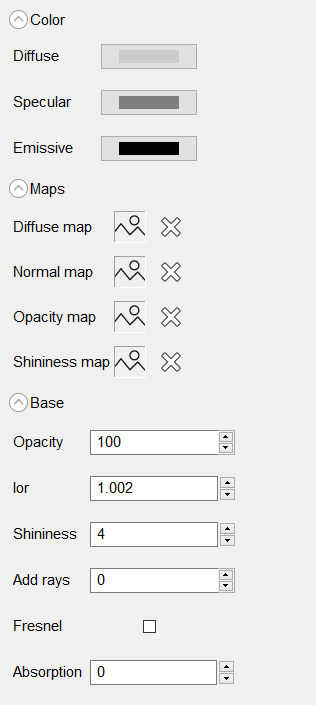
Cloth

This panel have the same items as the Standard material.

SSS

Subsurface scattering. This panel have the same items as the Standard material. Its add the following:
  • Absorption
    The absorption coefficient. Represent the probablity that a photon is absorbed by the material.

Emitter

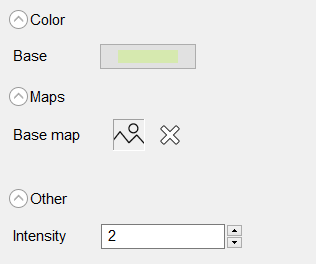
  • Base
    Choose the base color.
  • Base map
    Choose the base map.
  • Intensity
    Choose the intensity.